Certification History
This page allows you to view each certification request that was fully processed by Paymetric.
Procedure
-
In Merchant Portal go to Settings > Certification Services > History.
-
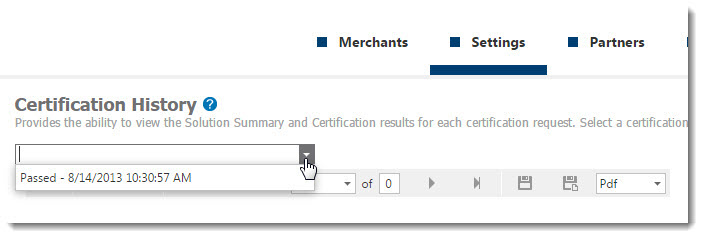
Select the desired Certification request from the dropdown. It will indicate whether it passed or failed and the date of the results.
-
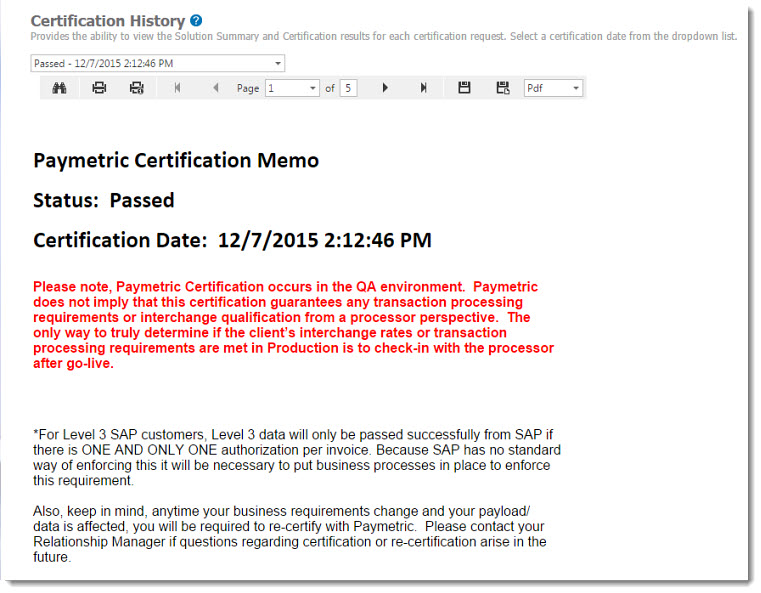
After selected, a complete Certification results report displays. You view online or save it in various formats.